Yu-Gi-Oh! The Duelists of the Roses
PS22003 · Unofficial PC rewrite, not affiliated with Konami
The PlayStation 2 card-strategy game, rebuilt from scratch in Rust and Bevy so it runs natively on Windows.
Unofficial fan project. Not made, endorsed or approved by Konami. No game data is included: you need your own PAL disc, and the launcher imports what it needs from your disc image.
Windows 10 or 11, 64-bit. A zip of about 24 MB from GitHub Releases. About the SmartScreen warning.
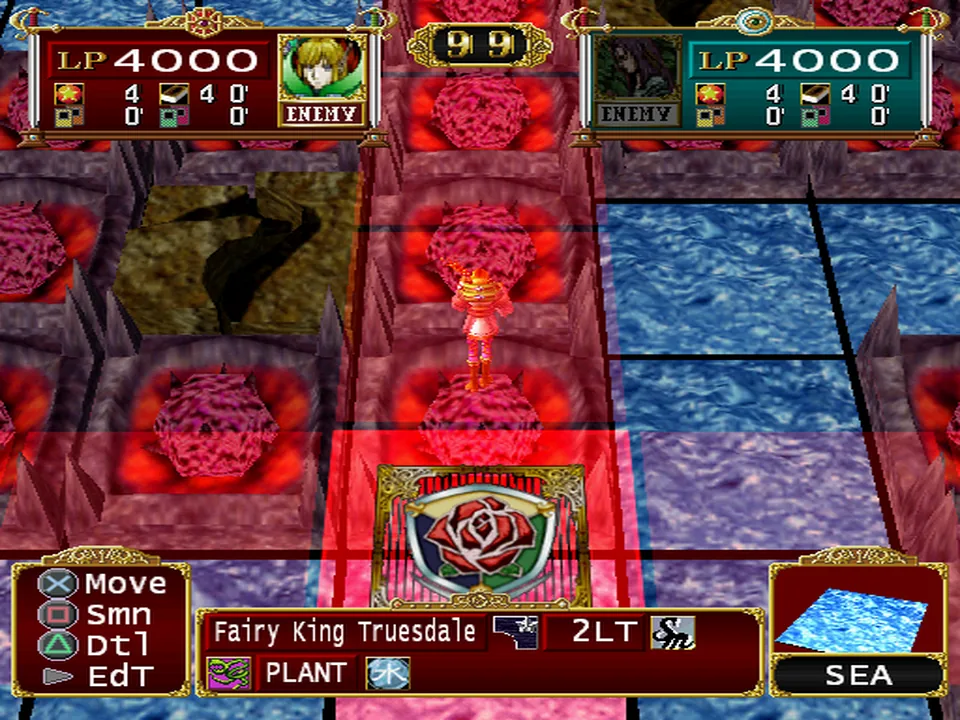
What it is
The original game, rebuilt to run natively
This is a reverse-engineered reimplementation, not an emulator. The rules, the original's 25-updates-a-second timing and the computer opponents' decisions are rebuilt in Rust and compared with recordings of the original, case by case.
The whole story
Both campaigns, Lancastrian and Yorkist, play from the opening to their endings, with Continue afterwards.
The rest of the game
Free duels on the map, Custom Duel against the computer or a second player, Trade, the deck editor, and saves in the original memory-card format.
Online Play (new)
An extra title-screen entry: make an account, see who is online, challenge someone or share a room code. Connections are encrypted.
Getting started
You need your own disc image
No game data is distributed. The rewrite needs an ISO of your own original PAL (European) disc of The Duelists of the Roses (SLES-51579): an exact, unmodified .iso copy. US and Japanese discs and modified images will not work. We do not share or link to disc images.
Download and unzip
Get the latest zip from GitHub Releases and extract it to a folder you can write to, such as Documents. Not Program Files.
Import your ISO, once
Start
roses-launcher.exe, click Import ISO and choose your disc image. It takes about a minute. Your ISO is only read, never changed.Play
Click Play. From then on, open the launcher and press Play. Xbox and PlayStation controllers and the keyboard all work.
Needs Windows 10 or 11 (64-bit), about 2.5 GB of free space and a graphics card from about 2014 or later with current drivers.
Status
What works, and what doesn't yet
An honest list as of the latest build. Details and the full list are in the known issues.
Playable Works
- Both story routes, start to finish, with both endings
- Duel rules, fusions and the computer opponents
- Free duels, Custom Duel and the deck editor
- Intro and ending movies, music and sound effects, read from your disc
- Saves in the original memory-card format
- Xbox, DualSense and DualShock 4 controllers, and keyboard
In beta Testing
- Online Play: accounts, lobby, challenges and room codes
- Two-player Custom Duel and Trade (need a second controller; little tested)
- Movie sound sync has not been checked by ear yet
Not finished To do
- Per-monster attack animations: battles resolve correctly but show simpler stand-ins
- A few rare card effects and rule situations stop the game with a message
- Some screens: in-duel card details, parts of the deck editor catalogue, loading screens
- Some fades and timings differ slightly from the original
- Online: no rankings, chat or spectators yet
Screens
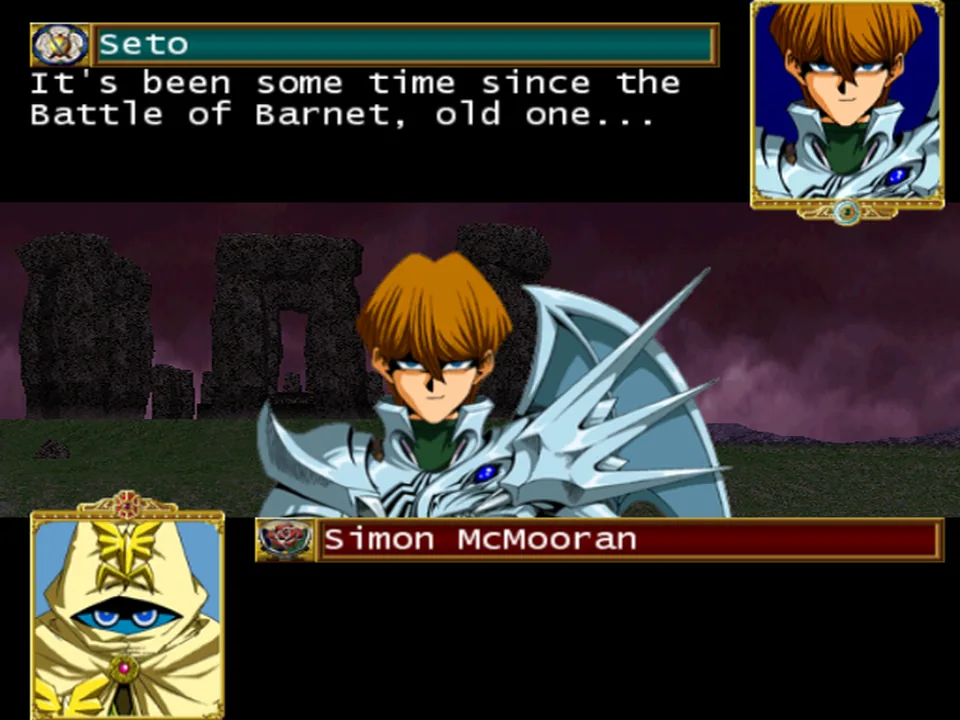
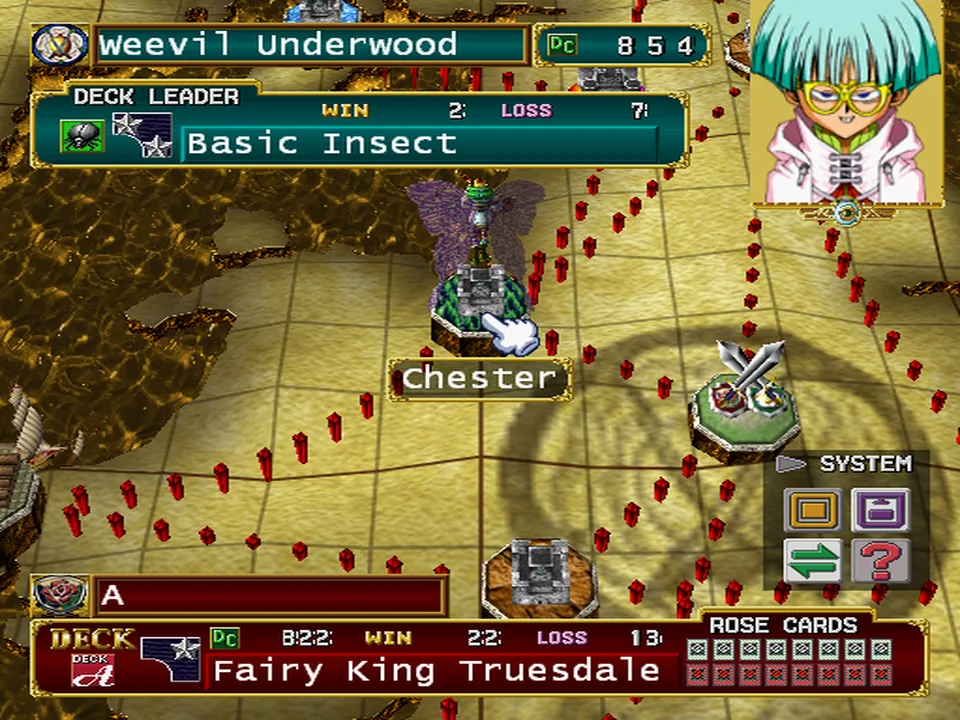
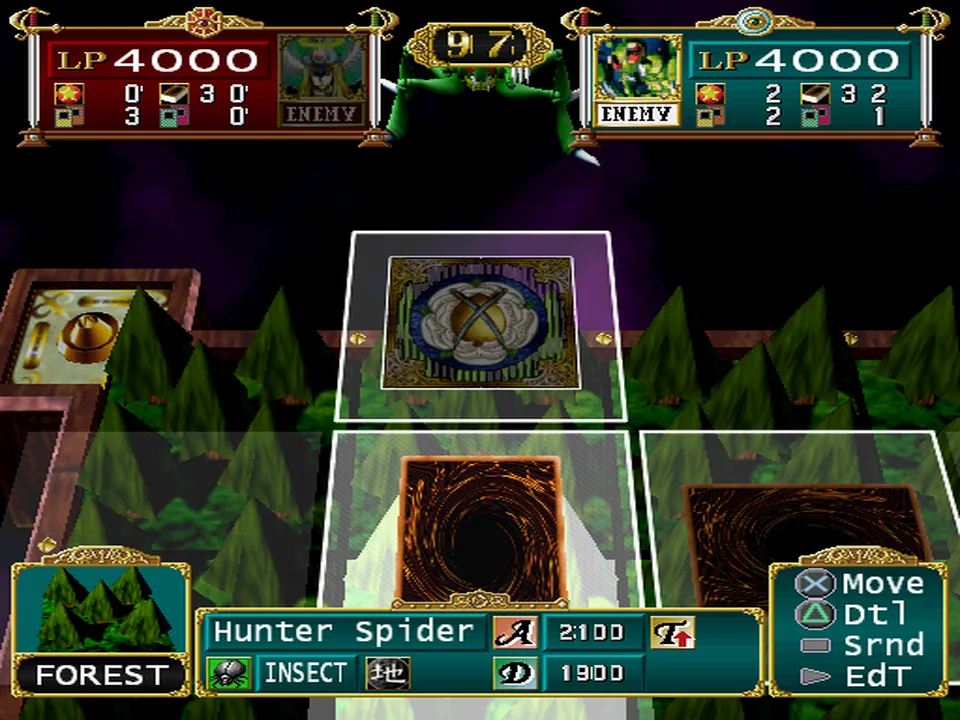
Screenshots
Captured from the rewrite itself, using a disc import, in October 2026 development builds. Select a picture to see it full size.
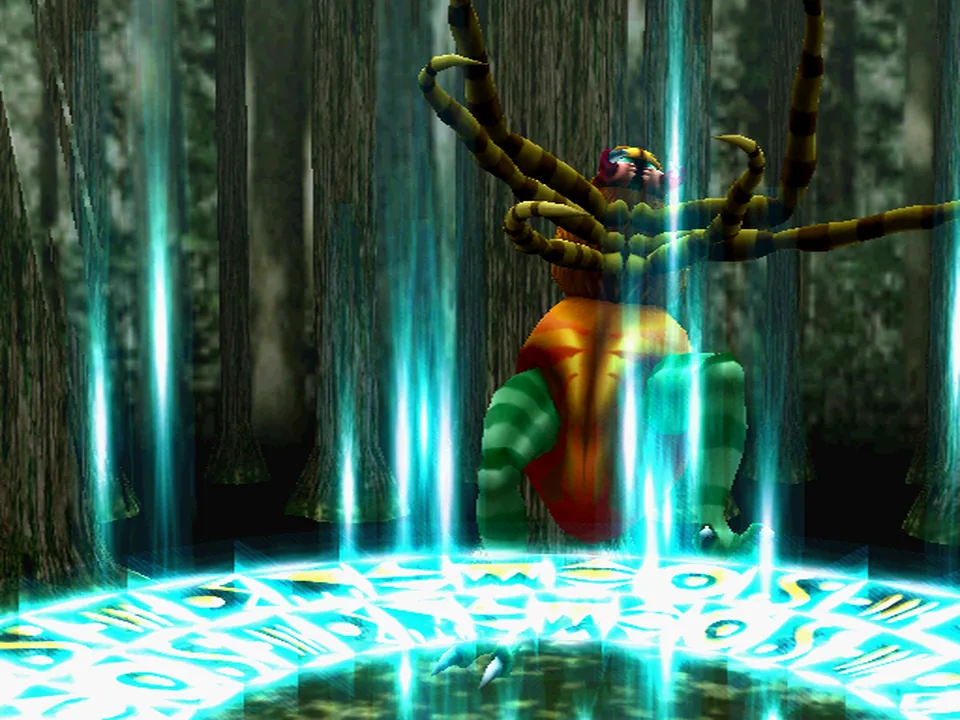
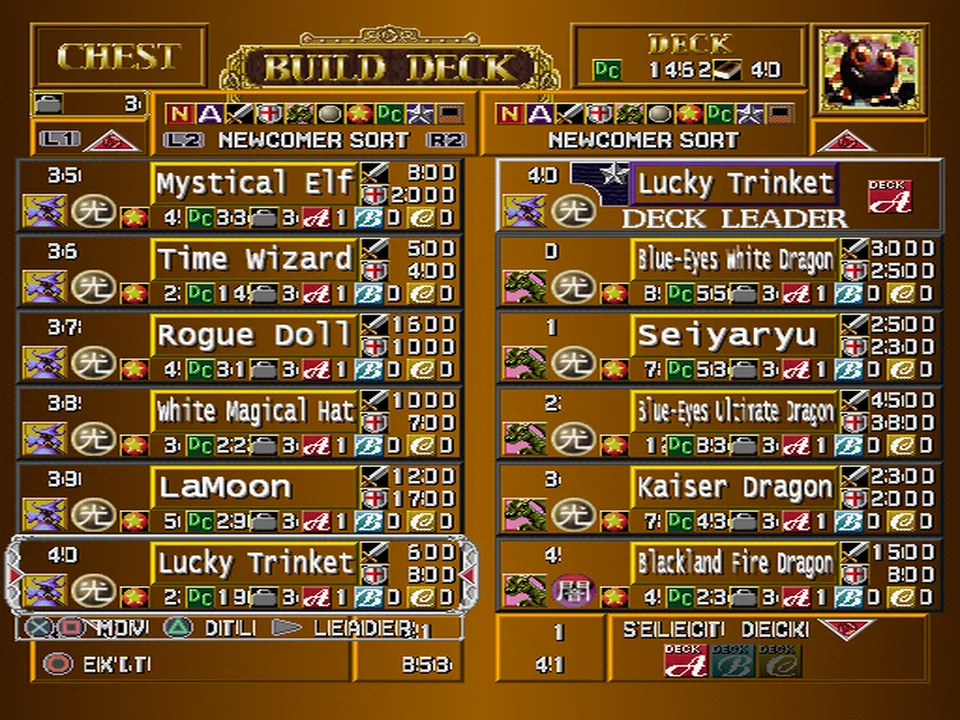
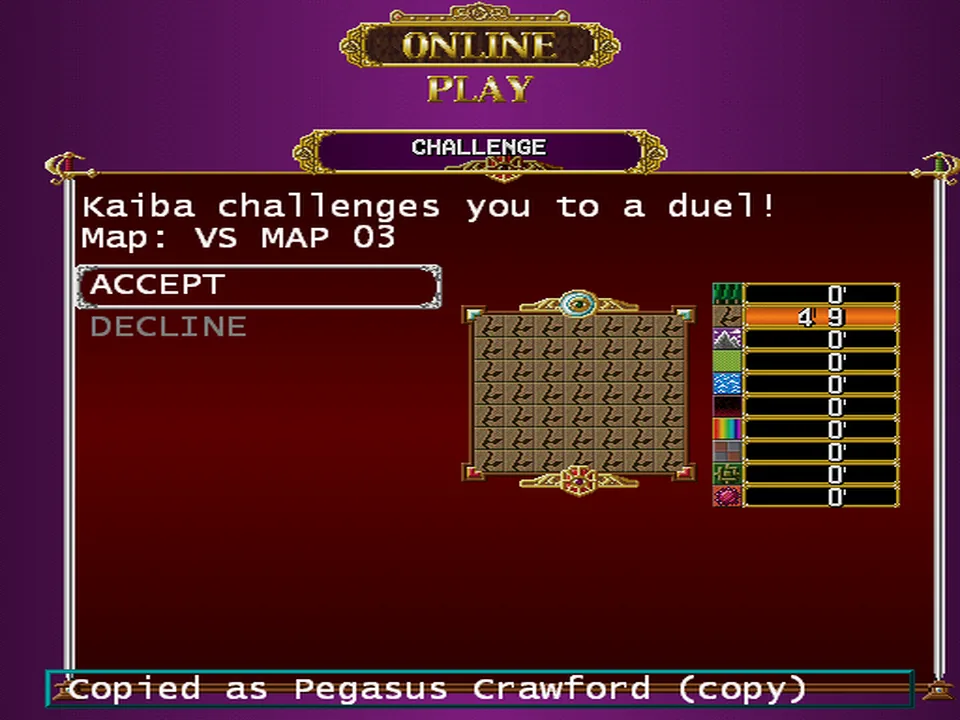
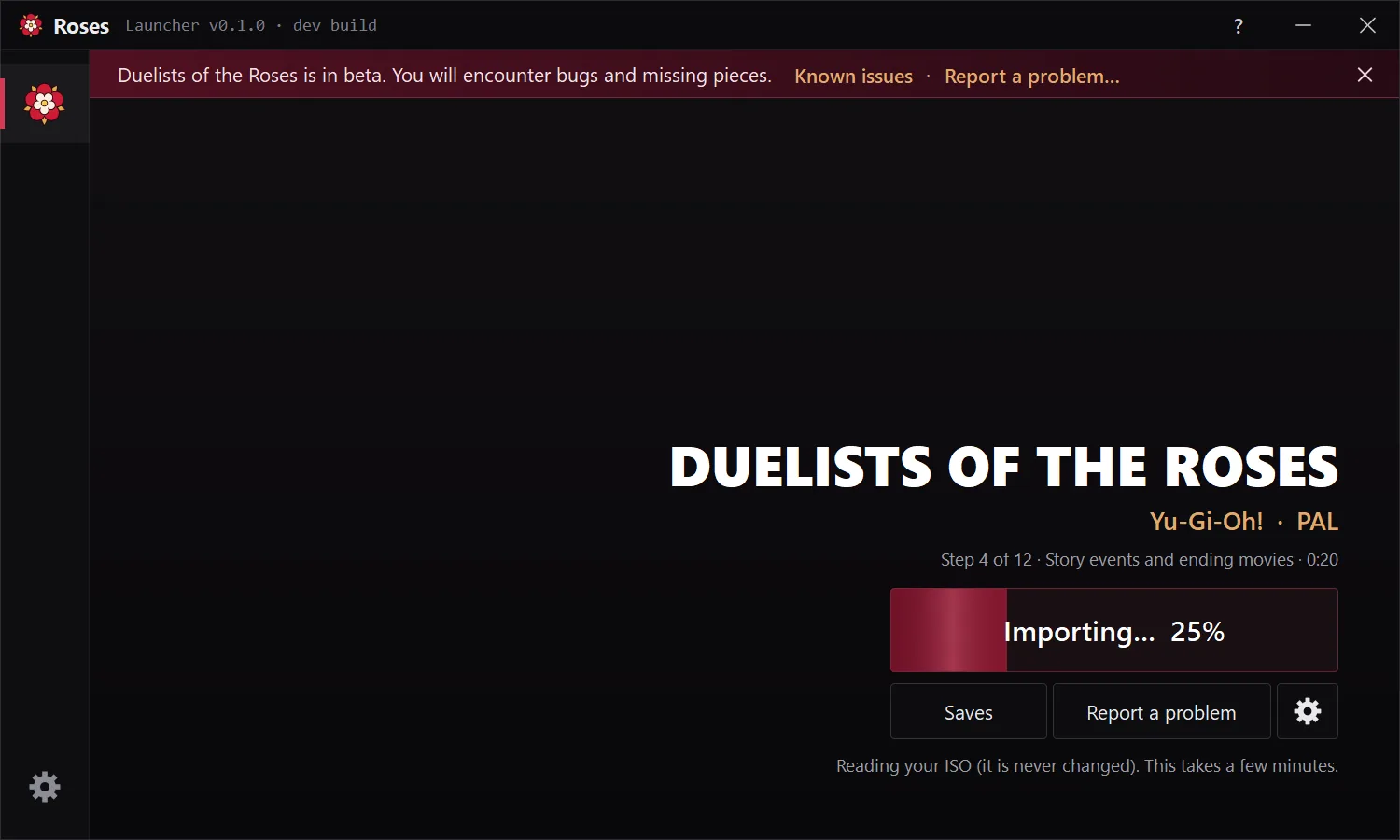
FAQ
Questions
Do I need the original game?
Yes. The rewrite needs an exact ISO of your own PAL disc. Without it there is nothing to play: the download contains only our own program code.
Where do I get an ISO?
Make one from a disc you own, with a disc-imaging tool on a PC that has a DVD drive. We don't share disc images or link to sites that do.
Why only the PAL disc?
The rewrite is built and tested against the European release (SLES-51579). The other releases differ in their data, so the launcher checks your image and refuses anything else rather than run something subtly wrong.
Is this emulation?
No. It is a new program that does what the original does. It reads assets such as music and models from your import, but the game logic is rewritten and runs natively.
Does it change my ISO?
No. The ISO is only read during import. The import is stored in the game's folder on your PC; please don't share it.
Is it legal?
We are not lawyers. The download ships no game content and needs your own copy of the game. See Legal & privacy for what we do and don't distribute.
Windows says "Windows protected your PC"
The files aren't code-signed yet, so SmartScreen warns about them. Click More info, then Run anyway. Only download it from the GitHub Releases link on this page.
Mac, Linux or Steam Deck?
Windows only for now. Other platforms may come later, but aren't promised.
My controller presses everything twice
Turn off Steam Input or DS4Windows for the game. It reads Xbox, DualSense and DualShock 4 controllers directly.
Where are my saves?
In roses-data\memory-card inside the game's folder; the launcher's Saves button opens it. As on the PS2, nothing is saved automatically: save on the campaign map with SYSTEM, then SAVE. When you update, copy your roses-data folder into the new one.
Online Play: what do I need, and how is my password kept?
Make an account on the launcher's Profile page with a name and password (no e-mail). The server stores only a salted hash of your password, never the password itself. Forgot it? Ask on Discord or open an issue naming your account (never post your password).
How do I report a bug?
Click Report a problem in the launcher to open the logs folder, then open an issue with launcher.log and game.log attached and a short note on what you were doing. The logs contain no game data.
Is the source code available?
Not at the moment. Releases and the issue tracker are on GitHub.